Digital Signage
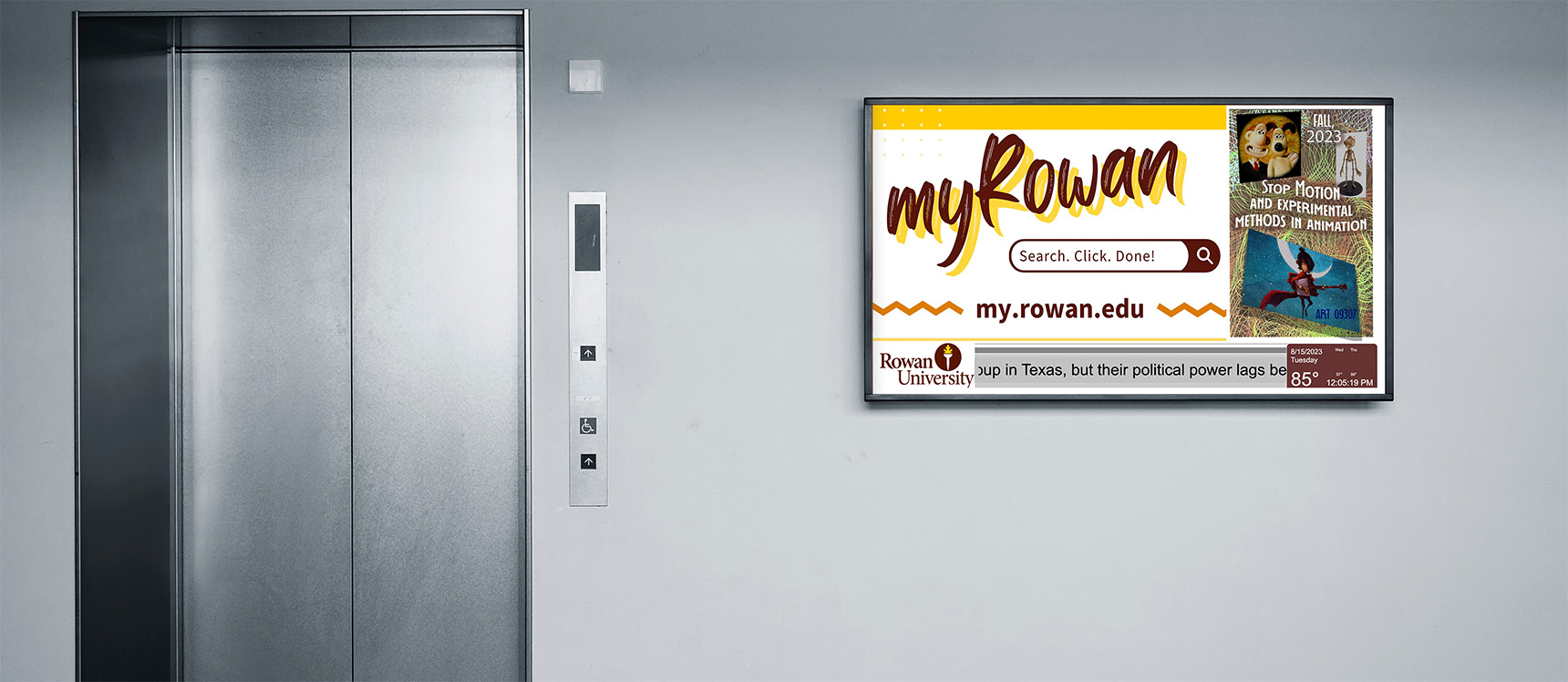
Digital Signage
Digital Signage
 Getting Started
For: Faculty, Staff
Access: See below for details
Availability: Once set up, digital signs are available 24/7/365
Helpful Resources:
• Review Digital Sign Display Standards.
• Read Rowan University's Digital Signage Policy.
What Do I Get?
This service provides access to digital signage solutions that allow departments and colleges to display visual content, room information and interactive navigation on displays across campus buildings. We offer three solutions based on your need:
Why Do I Want It?
Digital signage helps you communicate clearly and consistently with students, employees and visitors by:
- Promoting events, services and announcements
- Displaying room schedules and availability
- Improving wayfinding in complex or high-traffic buildings
Who Can Get It?
This service is available to Rowan University employees.
How Do I Request It?
Marketing/Event Promotion
Managed through RiseVision, this platform allows employees to display ads, promote events and highlight other important news and information.
- Existing Digital Displays: To request digital signage for an existing digital display, submit a request in the Rowan Support Portal. Completion times for requests for existing displays vary depending on customer requirements.
- New Digital Displays: To request digital signage for a new digital display, submit a Get Help Ordering IT request prior to getting a quote for the display and installation. Requests for new displays vary depending on customer requirements and purchase processing times.
Space Reservations
Managed through Visix, this electronic paper signage platform allows employees to display room names, schedules and availability outside supported conference rooms and shared spaces.
Submit a request in the Rowan Support Portal to evaluate your need for this solution.
Interactive Wayfinding
Managed through 22 Miles, this platform provides interactive navigation, directories and campus maps for public-facing buildings, high-traffic areas and complex facilities.
Submit a request in the Rowan Support Portal to evaluate your need for this solution.
How Can I Access It?
Marketing/Event Promotion
Space Reservations & Interactive Wayfinding
You’ll work with IRT to configure this signage prior to deployment.
How Do I Get Help With It After I Have It?
For questions about hardware or display support, contact the Technology Support Center at 856-256-4400, or submit a ticket in the Rowan Support Portal. The Technology Support Center aims to address all support requests within one business day.