Passwords
Passwords
Why Passwords Matter
Passwords are your first line of defense in protecting your data. By creating strong passwords for each of your accounts, you make it harder for someone who isn't you to access your information online.
How to Create Strong Passwords
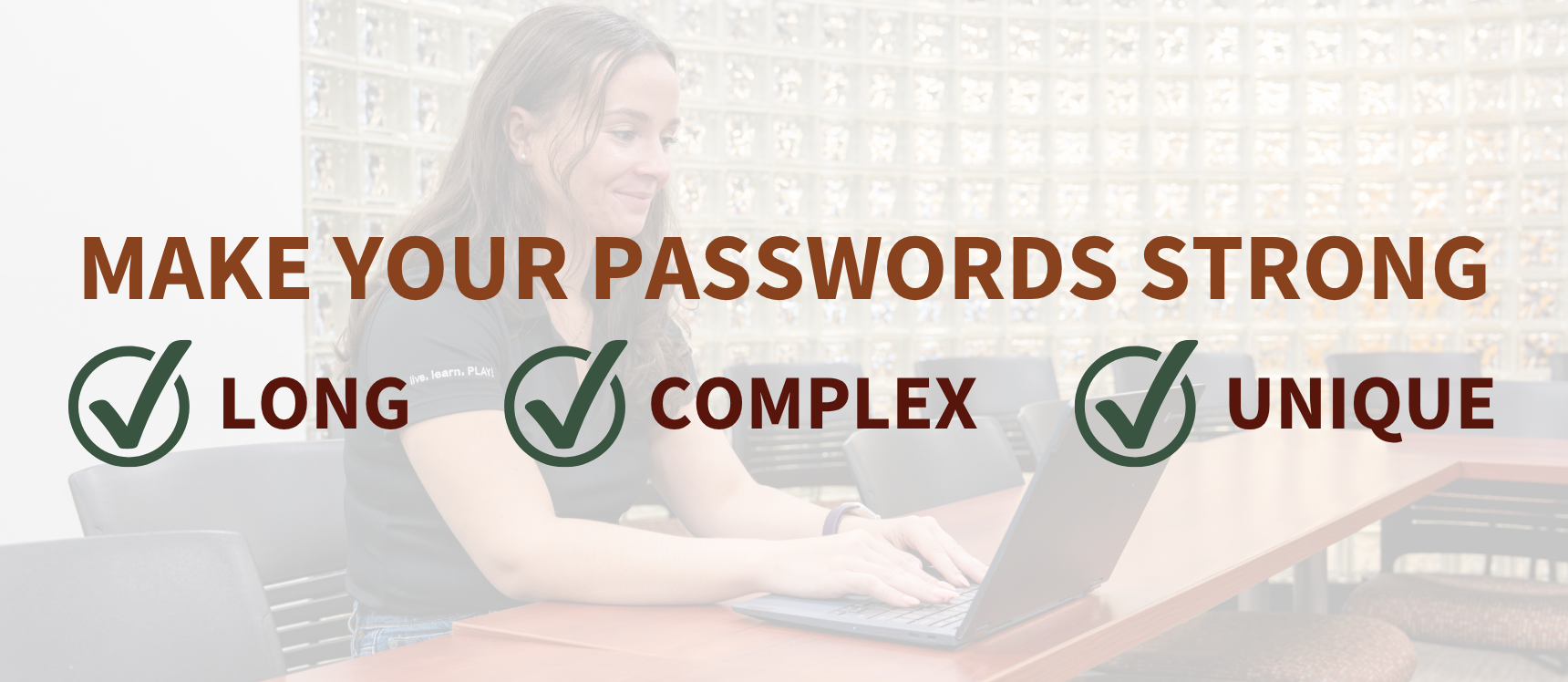
Make Your Password Long
Longer is stronger! The password for your Rowan NetID account must be at least 12 characters, but use 16 characters — or more! — to really beef up your password strength.
Make Your Password Complex
Include upper and lower case letters, numbers and symbols (such as ! or &) in your passwords.
Make Your Password Unique
Create a different password for each of your online accounts.
You put yourself at risk if you reuse the same password for all of your accounts. If someone gets your password for one account through a data breach or other means, they could access all of your accounts with that one password.
If you need help remembering all of your passwords, use a password manager.
Long
 Use at least 12 characters for your passwords; longer is stronger!
Complex
Include upper and lower case letters, numbers and symbols in your passwords.
Unique
Use a different password for each of your online accounts.
Bad Password Habits to Avoid
Using Common Words
Do not choose a password that is a word (English or otherwise), proper name, name of a TV show or anything else that would be contained in a dictionary, and do not choose a password that is a simple transformation of a word.
Hackers use a method called dictionary attacks that passes every word in a dictionary to a login program in the hope that it will eventually match the correct password. This method may also try simple transformations of dictionary words, such as putting a punctuation mark at the beginning or end of a word, converting the letter "l" to the number "1" or writing a word backwards.
For example, "password,123" is not a good password, since adding ",123" is a common, simple transformation of a word.
Including Personal Information
Do not create a password based on personal data like your name, your username, birthday or other information about you that can be easily discovered.
Reusing Passwords
Do not choose a password that you have used with other sites. Criminals will try to use passwords that were leaked in data breaches to break into other accounts where you may have used the same password.
If you reuse passwords, there's a good chance your password may already be out there for criminals to find. You can look up whether your personal information, including your passwords, may have been exposed in a data breach using the service HaveIBeenPwned.com. If you find one of your passwords has been exposed and you are still using that password — or a variation of it — with any of your accounts, change it immediately.
No Common Words

Avoid using words that you can find in the dictionary, and avoid simple transformations of words, such as adding an exclamation point.
No Personal Information

Avoid using any personal information, such as your name or your birthday, as part of your password since this information can be easily discovered.
No Password Reuse

Avoid using the same password for multiple accounts. If your password to one account gets exposed, reusing passwords puts all of your accounts at risk.
Secure Your Passwords
Use a Password Manager
If you have trouble remembering all your passwords, consider using a password manager, such as BitWarden, 1Password or KeePass. Password managers help you create and store complex and unique passwords. 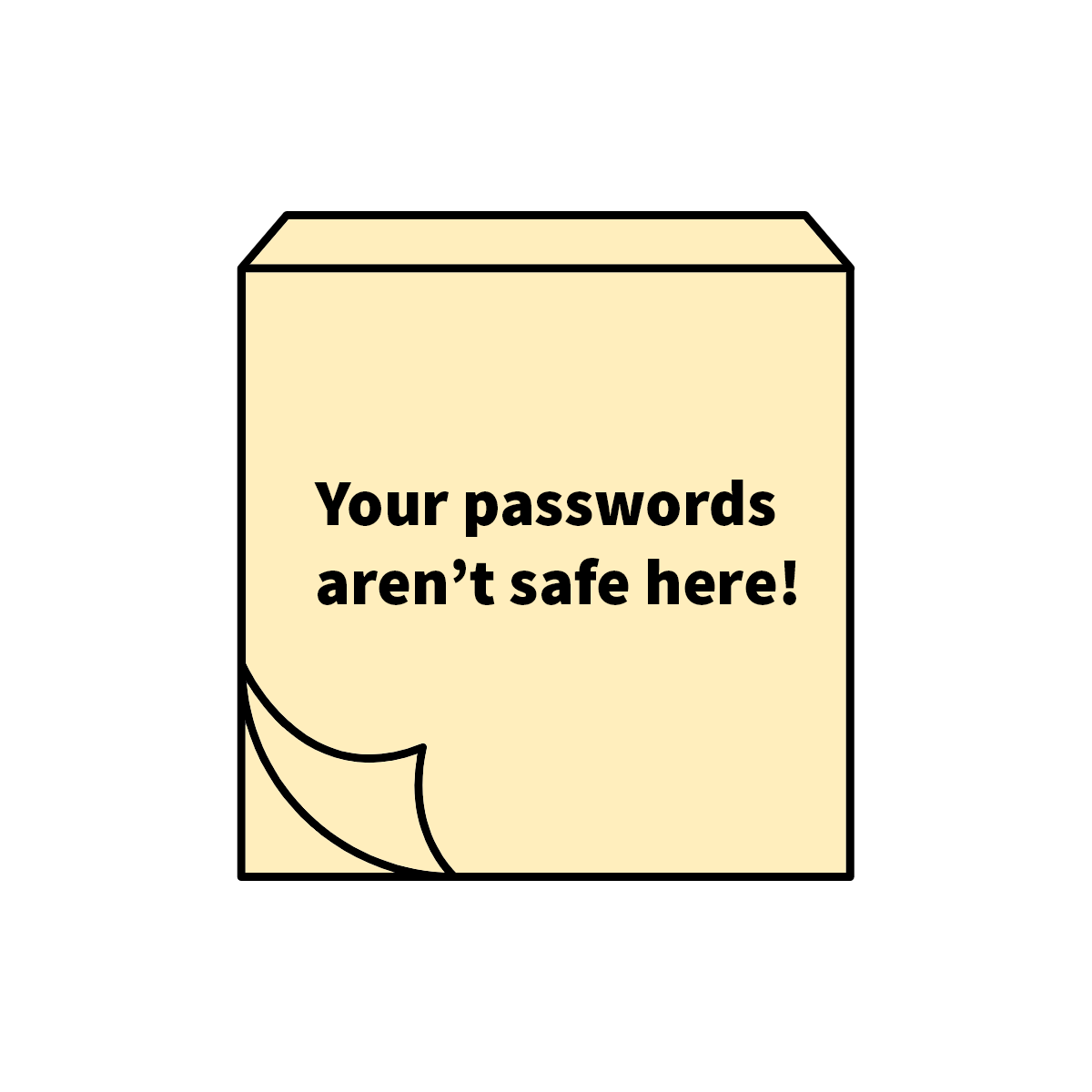
Don't Write It Down — But If You Must ...
You should avoid writing down your passwords. If you absolutely must write something down, we suggest doing the following:
- Don't write down the entire password, but rather a hint that would allow you (but nobody else) to reconstruct it.
- Keep whatever is written down in your wallet or another place that only you have access to. Do not store written passwords on a post-it note on your monitor or on a piece of paper on your desk.
Don't Share Your Passwords
Never tell anyone your password or send it in an email.
Many scams use fake warnings to trick people into sending or submitting their passwords to them. No legitimate company or financial institution will ever ask you to submit sensitive personal information through an email or a link in an email. No one from Information Resources & Technology at Rowan will ever ask you to send them your password.
Please protect your personal information, including your passwords, as much as you would protect your bank account.
Add an Extra Layer of Security
Passwords are important, but even the most complex password can be exposed in a data breach. That's why you should add an extra layer of protection to your online accounts by enabling two-factor authentication whenever it's available.
Two-factor authentication helps prevent unauthorized users from accessing your accounts — even if they know your username and password. At Rowan University, we offer Duo two-factor authentication to protect your account.